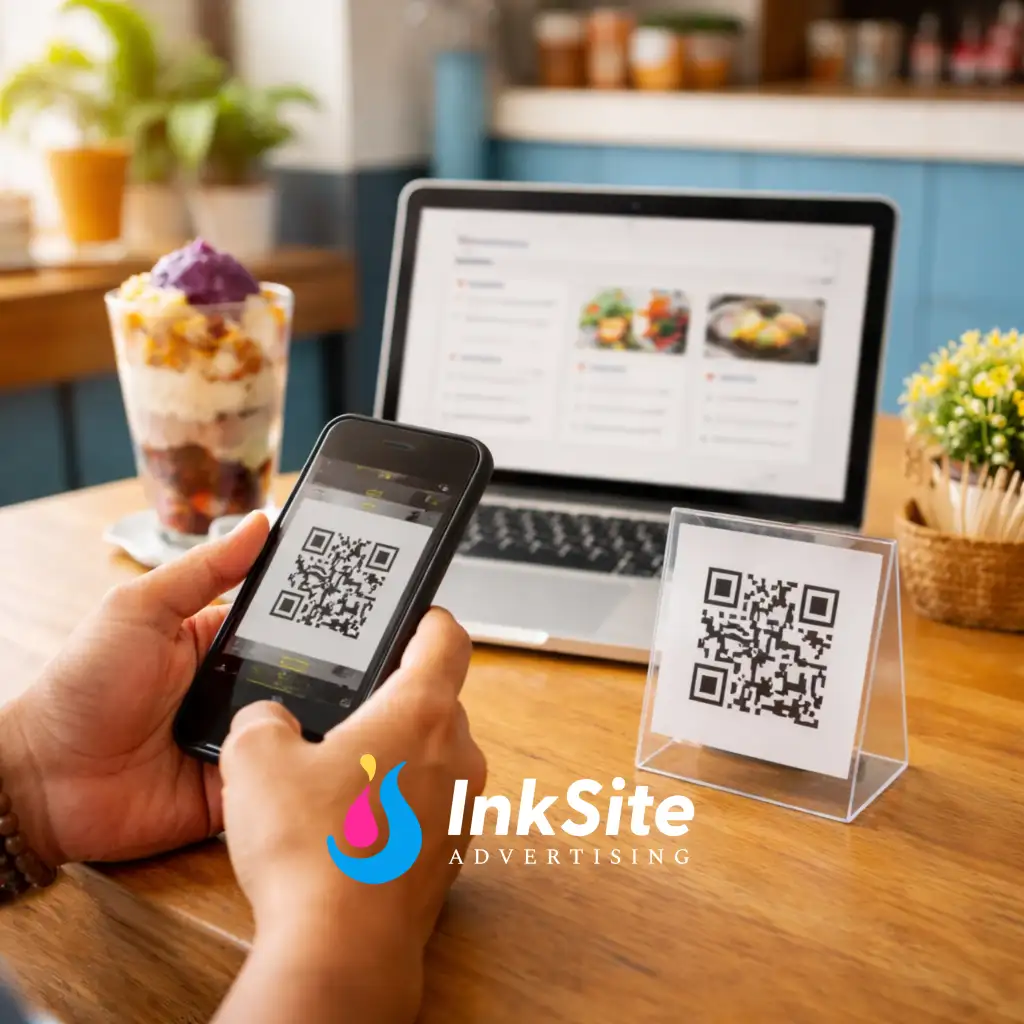
QR “Menu & Info” Page
Your all-in-one page customers can scan in-store—menu/price list, map, hours, photos, and inquiry buttons.
What you get
- Clean service/menu list section
- Map + store hours
- “Message / Call / Get Directions” buttons
- Gallery
- Inquiry form to your email
- “How to order” steps section
Pages included
- 1 page (single scroll)
Features included
- Perfect for QR scanning
- Phone-first layout (easy to read)
- Basic Google-ready setup
- 2 revision rounds
What you need to send us (checklist)
- Service list/menu + prices
- Address + hours + contact number
- FB/IG links
- Logo + 8–12 photos
- Email for inquiries
Timeline
- Starts once we receive your complete details + menu
- Draft → revisions → go live
FAQs
- Can customers upload a file/design? Yes (add-on).
- Can I put a PDF menu too? Yes.
- Can I update prices later? Yes (monthly plan recommended).
- Is this better than just Facebook? Yes—this becomes your official QR link.